



Ingredients
-
80 g butterCut into cubes
-
120 g sugar
-
3 large eggsBeaten
-
160 g gluten-free self raising flour
-
50 g ground almonds
-
80 g bananasChopped
-
10 g baking powder
Directions
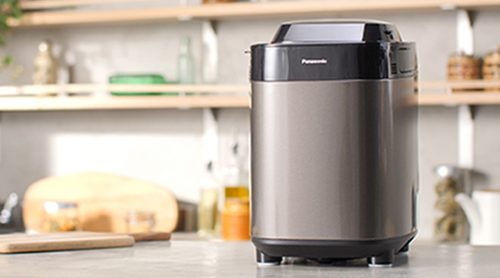
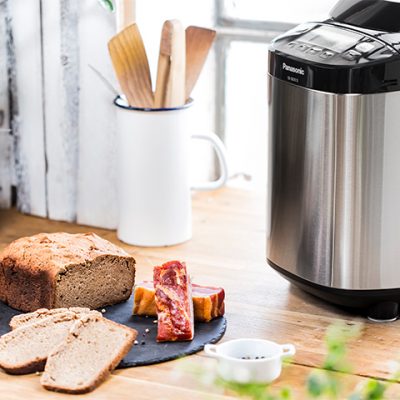
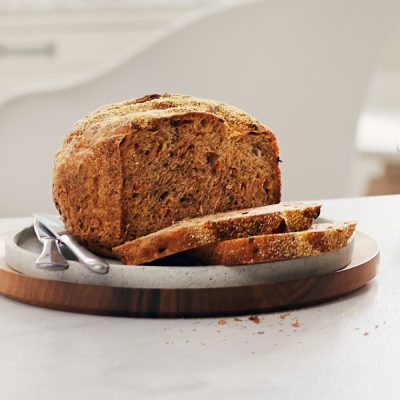
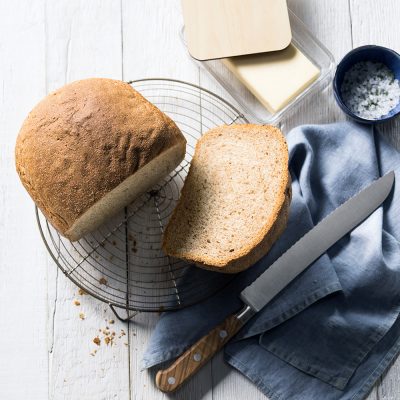
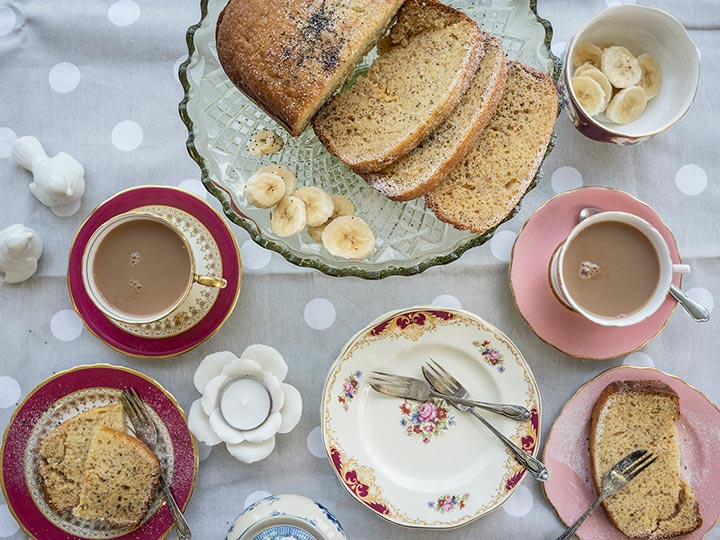
Banana cake is always a favourite, and for those of us who can’t have gluten, there’s no need to miss out! It’s so easy to make in your Panasonic breadmaker, you’ll have to refrain from making this delicious treat every day! It goes down perfectly with a cup of tea, or as a yummy dessert. Plus, it’s made with bananas so it can’t be that bad, right? For extra flavour use very ripe bananas!


Ingredients
| 80 g butter | |
| 120 g sugar | |
| 3 large eggs | |
| 160 g gluten-free self raising flour | |
| 50 g ground almonds | |
| 80 g bananas | |
| 10 g baking powder |
Steps
|
1
|
Place the blade into the bread pan. |
|
2
|
Put all of the ingredients into the bread pan in the order listed in the ingredients list. |
|
3
|
Set the breadmaker to the gluten free cake programme Mini Breadmaker (SD-PMC100/101): Select Menu 10 – Gluten Free Cake and press start. |
|
4
|
Check the cake after 1 hour 10 mins by inserting a skewer into the centre. If it comes out clean remove the cake and allow to cool. |
|
5
|
After 2 mins when the beep sounds, scrape any residue from the sides using a rubber spatula. |
|
6
|
When the program has finished, remove from the bread pan and allow the cake to cool, or serve hot with some ice cream. |
 Loading...